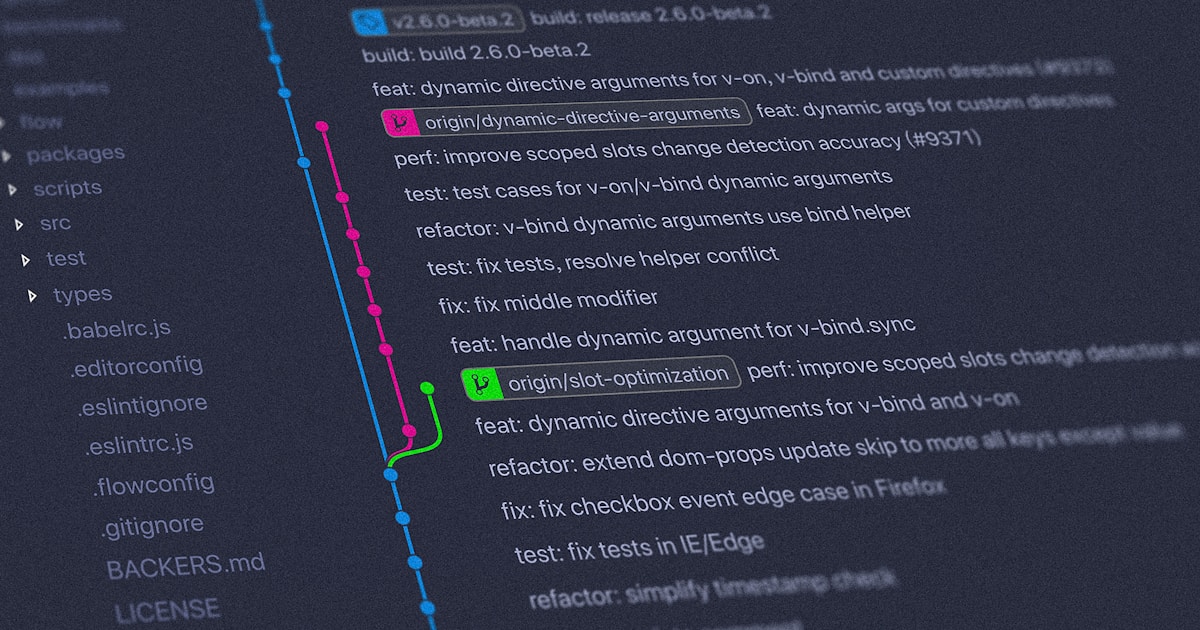
Why I Use Git
Git is a popular distributed version control system that enables efficient collaboration among developers. Learn about its features, shortcuts, and GUI applications.
Zach Robichaud
Table of Contents
Why I Use Git
Git is a distributed version control system that keeps developers on the same page—no matter how far apart they are. It tracks file changes, manages code versions, and seamlessly merges contributions.
Here's why Git has become the go-to tool for many:
- Distributed Development: Developers work independently on local repositories, committing changes at their own pace before pushing to a shared remote repository.
- Branching and Merging: Git makes it easy to create branches for new features or bug fixes, switch between them, and merge changes into the main codebase without breaking a sweat.
- Version Control: It maintains a full history of code changes, so you can rewind to previous versions, review detailed commit logs, and see who contributed what.
- Collaboration: Git enables multiple people to work simultaneously, handling conflict resolution gracefully and supporting code reviews through pull requests.
Handy Git Shortcuts
To speed up workflows, many developers use handy Git shortcuts and terminal aliases like these:
git status(alias:gs): Shows the current state of your repositorygit add(alias:ga): Stages files or changesgit commit -m "message"(alias:gc): Records your staged changesgit push(alias:gp): Sends your commits to the remote repositorygit pull(alias:gl): Fetches and merges the latest changesgit branch(alias:gb): Lists all branchesgit merge(alias:gm): Merges another branch into your current one
You can set these aliases in your Git configuration file (~/.gitconfig) under the alias section.
Git GUI Applications
If you prefer something less terminal-centric, here are some great Git GUI applications:
- Sourcetree: A free client for Windows and macOS with a clean visual interface
- GitHub Desktop: Makes interacting with Git repositories intuitive
- GitKraken: A sleek, cross-platform client with branch history visualization
How was this article?
Related Posts
Linux 'z' command is a must have terminal tool
The Linux z command completely changes how you move around the terminal. Instead of typing long paths or relying on tab completion, z learns the directories you visit and lets you jump to them using short, partial names. Once you use it, going back to plain cd feels painfully slow.
How Automated SSL Enhances Your Site's Protection
The Tiny Padlock That Protects Your Entire Website - Why SSL/TLS, Automation, and Certificate Management Matter More Than Ever.

Testing Emails Safely
How to test email functionality without accidentally sending messages to real users.
Comments (0)
No comments yet. Be the first to share your thoughts!